
Know exactly who is staying in your property
Every guest scans their ID document during check-in. AI reads it, validates it, and flags inconsistencies — so each booking carries verified identity data, a digital signature, and a timestamped record.
Get started free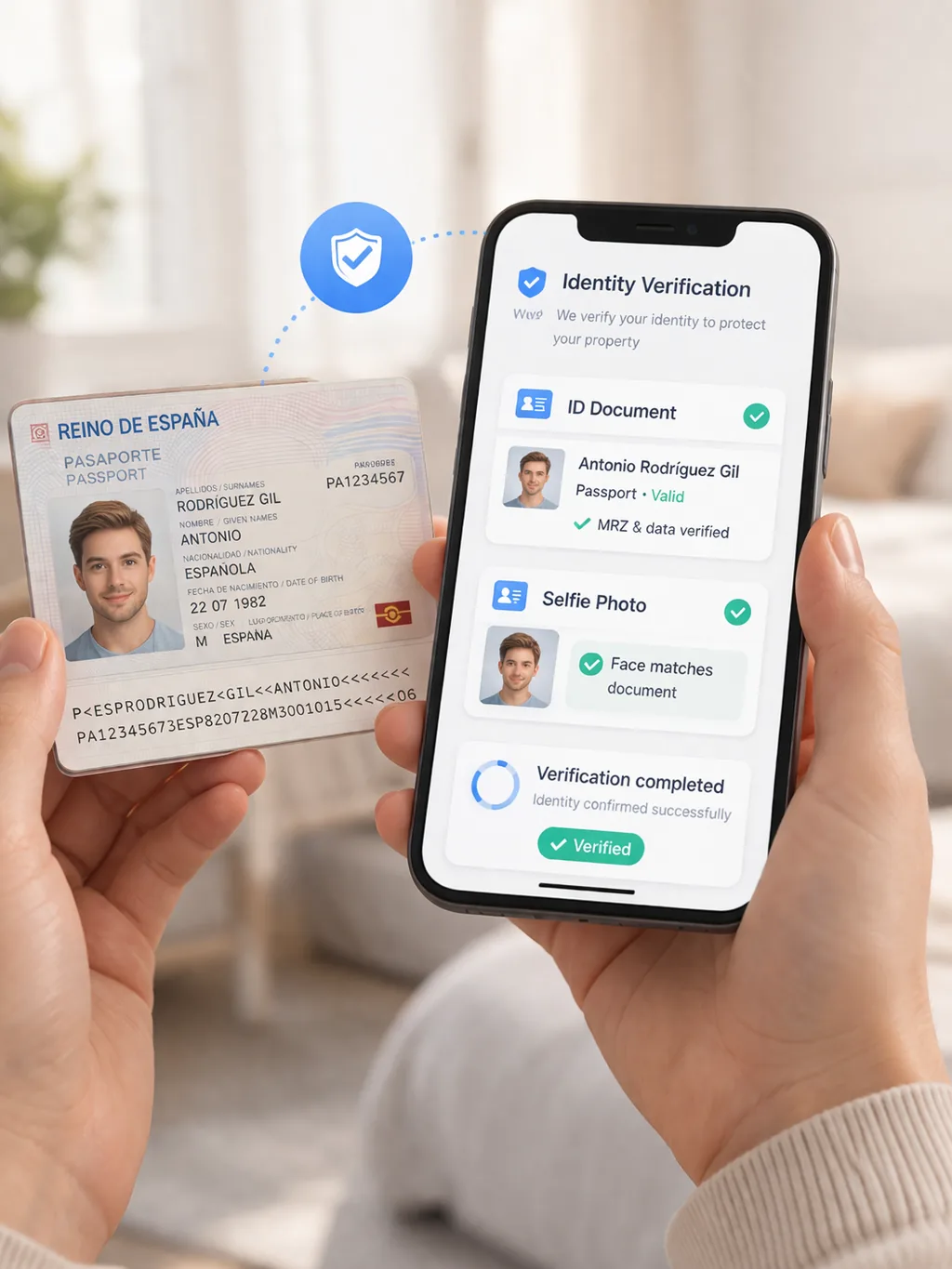
In short
Identity verification is document-based: each guest photographs their DNI, NIE or passport and BookCheckin reads it with OCR (optical character recognition), extracting name, document number, nationality, date of birth and expiry with no manual typing. The two sides of a DNI or NIE are cross-checked, the fields are validated against SES Hospedajes rules, and the guest confirms and signs. BookCheckin's check-in flow uses no facial recognition — it verifies the document with OCR, not the face.
What Identity Verification does
BookCheckin verifies guest identity through the document itself: AI-powered scanning extracts the data, automatic checks validate it, and the guest confirms and signs digitally before arrival.
AI document scanning (OCR)
The guest photographs their DNI, NIE, or passport with their phone. Our AI engine extracts name, surnames, document number, nationality, date of birth, sex, and expiry automatically — no manual typing, no transcription errors.
Front-and-back cross-check
Spanish DNI and NIE cards are scanned on both sides, and the two sides are compared against each other. If they belong to different documents — or different people — check-in stops with a clear error instead of silently producing a mixed record.
Field validation before filing
Extracted data is validated against what SES Hospedajes actually accepts: document-number format, support number, nationality, and date coherence. Problems surface at check-in, not as a rejection from the Ministry days later.
Manual review with one-click re-scan
Doubtful scans are flagged in your dashboard. You can inspect the extracted fields, correct them, or re-run the scan with one click before the traveller report is filed.
Digital signature and timestamped record
The guest reviews their data and signs digitally. Every booking keeps a signed, timestamped registration record with the verified document data behind it.
GDPR-compliant data handling
Guest data is processed to fulfil the legal traveller-registration obligation under RD 933/2021, stored encrypted, and retained only for the legally required period. In the check-in flow BookCheckin runs no facial recognition — it verifies the document with OCR, not the face.
Why hand-typed guest data is not enough
A receptionist glancing at a passport for two seconds creates no record at all. A check-in form the guest fills in by hand is barely better: transposed digits, missing support numbers, and invented fields are the classic reasons traveller reports bounce back from SES Hospedajes.
Under RD 933/2021 you must report every guest’s data within 24 hours — and guests aged 14 or over must be identified with their document. If the data is wrong or missing, the liability sits with you, the host, not with the guest.
Scanning the document closes that gap. The data filed with the authorities comes from the document itself, the guest confirms it and signs, and the whole exchange is timestamped against the booking.
And when something is disputed later — a chargeback, property damage, a complaint from neighbours — you hold a signed check-in record whose identity data was read from a real document, not typed from memory.
How identity verification works
Guest photographs their document
During online check-in, the guest photographs their passport — or the front and back of their DNI or NIE — straight from their phone camera.
AI extracts the data in seconds
Name, surnames, document number, nationality, date of birth, sex, and expiry are read automatically from the images. The guest never types document data by hand.
Consistency checks run automatically
Both sides of the document are compared and every field is checked against SES Hospedajes requirements. Mismatched sides or malformed fields stop the flow with a clear message.
Guest reviews and signs
The guest checks the extracted data, corrects anything if needed, and signs digitally. The signed record is stored against the booking.
Verified data is filed — doubtful cases reach you
Clean check-ins are filed to SES Hospedajes automatically. Anything doubtful appears in your dashboard for manual review, with a one-click re-scan before filing.
What you gain
Document-backed data on every booking
Every guest record is built from a scanned identity document rather than free-typed text — so what you file, store, and rely on actually matches who stayed.
Evidence when something is disputed
A signed, timestamped check-in record with document-verified identity data supports your side in chargebacks, damage claims, and platform disputes.
Fewer rejected traveller reports
Transcription errors are the classic cause of SES Hospedajes rejections. OCR extraction plus pre-filing validation removes them at the source.
Neighbour and community confidence
In apartment buildings and residential areas, being able to show that every guest is identified and legally registered addresses the most common concern raised by communities and building administrators.
Frequently asked questions
What does identity verification actually do?+
It reads the guest's ID document with AI, validates the extracted fields, cross-checks the front and back of Spanish DNI and NIE cards, and has the guest confirm and sign. The verified data is what gets filed to SES Hospedajes.
Which documents are supported?+
Spanish DNI and NIE — scanned on both sides — and passports. For international guests the passport is the standard document for Spanish traveller registration.
What happens when a scan is doubtful?+
It is flagged in your dashboard before anything is filed. You can inspect the extracted fields, correct them manually, or re-run the scan with one click.
Does BookCheckin use facial recognition or biometrics?+
No. Verification is based on the document itself: OCR extraction, validity and consistency checks, and the guest's confirmation and signature. The check-in flow uses no facial recognition — it verifies the document, not the face.
How is guest document data protected?+
It is processed to fulfil the legal traveller-registration obligation under RD 933/2021 and retained only for the legally required period.
Know who is in your property — always
Add document-based identity verification to your check-in in minutes.
Get started freeSigning up is free, no card needed · Your 3 months start when you choose a plan and add your card · Cancel anytime